PST Upgrade Software
Convert Ansi PST in Outlook 2000/2002 to Unicode PST for 2010/2007/2003
Convert Unicode PST Outlook 2003/2007/2010 to Ansi PST 2000/2002.

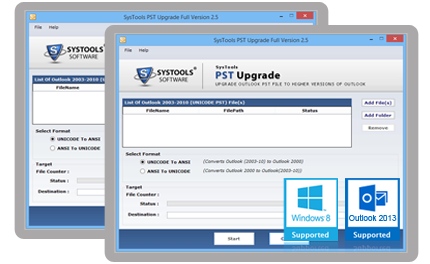
Convert Ansi PST in Outlook 2000/2002 to Unicode PST for 2010/2007/2003
Convert Unicode PST Outlook 2003/2007/2010 to Ansi PST 2000/2002.
Simple Individual Interface
The Simple interface of the tool eases for Non technical users to upgrade PST file quickly.
Swift & Effective Conversion
Software convert PST data speedly yet safe and effective way.
Convert of All Folders
Through PST conversion tool, it is possible to convert all the emails in folders like, Inbox, Sent items, drafts, Outbox etc. into other PST file format.
Maintains all meta-data
While you convert PST file, software will retain all meta data and details associated with emails and contacts and also maintain the folder hierarchy.

Outlook PST Upgrade software is meant for the users who need to convert ANSI PST to Unicode PST or need to convert UNICODE PST to ANSI PST format. Upgrade PST software is an efficient tool for a pristine pst upgradation from ANSI pst to Unicode pst and you will simultaneously get the other options that is to downgrade PST file from Unicode to ANSI PST file.
PST Conversion Tool is a complete solvent forvarious user queries like:
See Steps of Convert PST Files from older edition to New & New versions to lower versions!
Step 1:-
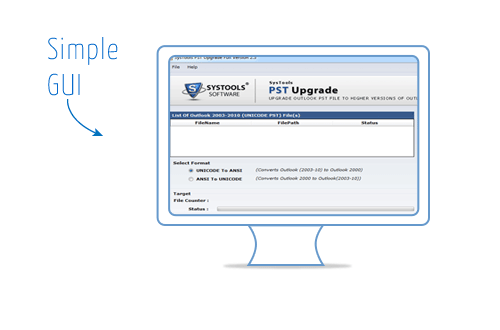
Download & Install Software
Click Start » All programs »PST Upgrade Software to upgrade ms Outlook data files.
Software devleoped in easy useraffable interface so technical & non-technical users easily works with it.
Step 2:-
Select & Load PST Files
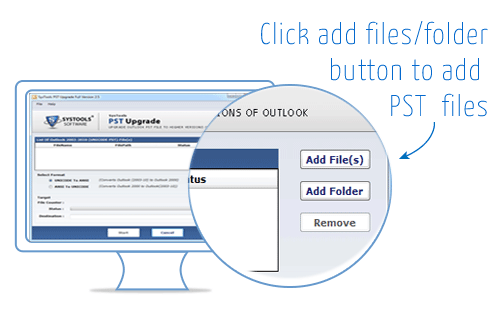
users can click on add files & folder button to load PST files for conversion process.
Step 3:-
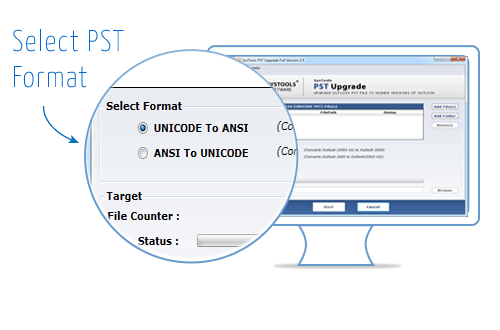
Select PST Format For Conversion
Here two options are available for PST conversion. You can choose as per your requirement:
Step 4:-
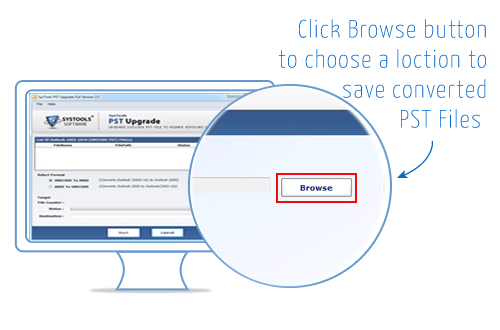
Choose Desire Place to Save Converted File
After selecting PST format, Now Click browse button to choose desire location to save PST Files after the conversion process.
Step 5:-
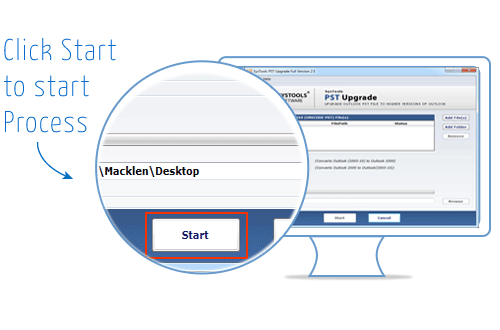
Start PST Conversion Process
After Select the location click on start button for starting conversion process and get 100% effective results quickly without any fear of data corruption.
How to open 2000 Outlook PST in Outlook 2010 is my query and I found Perfect MS Outlook Upgrade software to migrate MS Outlook 2000 to 2010 without any disaster.
— Jack Lee, USA
I have used online tool to change PST format ANSI to Unicode but I have not recive sufficient results however using your tool gave effective & secure results to upgrade Outlook PST files.
— James Sargant, United Kingdom